
Boost your Linux productivity with tmux! In this video, I’ll show you how to install and use tmux, a powerful terminal multiplexer that lets you run multiple terminal sessions inside a single window.. . We’ll cover:. ✅ Installing tmux on Ubuntu:. sudo apt install tmux. tmux. ✅ Splitting terminal panes:. • Ctrl + b % → Split vertically. • Ctrl + b ” → Split horizontally. • Ctrl + b Ctrl + arrow keys → Resize panes. . ✅ Managing windows:. • Ctrl + b c → Create a new window. • Ctrl + b n / Ctrl + b p → Switch between windows. • Ctrl + b w → List all windows. • Ctrl + b u0026 → Close a window. . ✅ Managing tmux sessions:. • tmux ls → List active tmux sessions. • tmux attach -t session_name → Reattach to a session. • tmux new -s session_name → Start a named session. • Ctrl + b d → Detach from tmux. • tmux kill-session -t session_name → Kill a specific session. • tmux kill-server → Kill all tmux sessions. . If you’re a developer, system administrator, or Linux enthusiast, tmux is a game-changer for managing multiple tasks in the command line efficiently.. . 🔗 Get Termius: https://termius.com/download/windows. . 💬 Did I miss any useful tmux commands? Let me know in the comments!. . 👉 Watch more videos in this Linux Series: [Playlist Link]. 👉 Subscribe for more Linux u0026 IT content: [Subscribe Link]. . #tmux #Linux #CommandLine #Terminal #SSH #Productivity #LinuxForBeginners #Ubuntu #LinuxCommands #DevOps #SystemAdmin
 Master Tmux In Minutes Boost Your Linux Productivity Linux Series 4 2025
 Tmux In 100 Seconds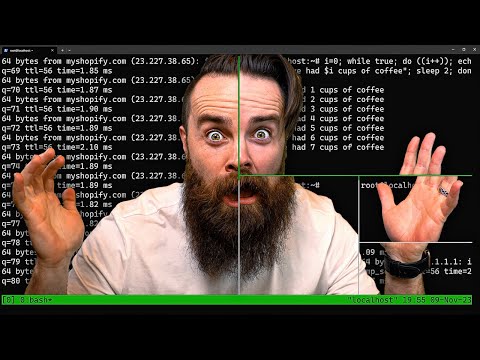
 You Need To Learn Tmux Right Now
 Learn Tmux part 1 Boost Your Linux Productivity With This 5 part Course
 5 Cli Tools That Actually Changed How I Work In 2026